
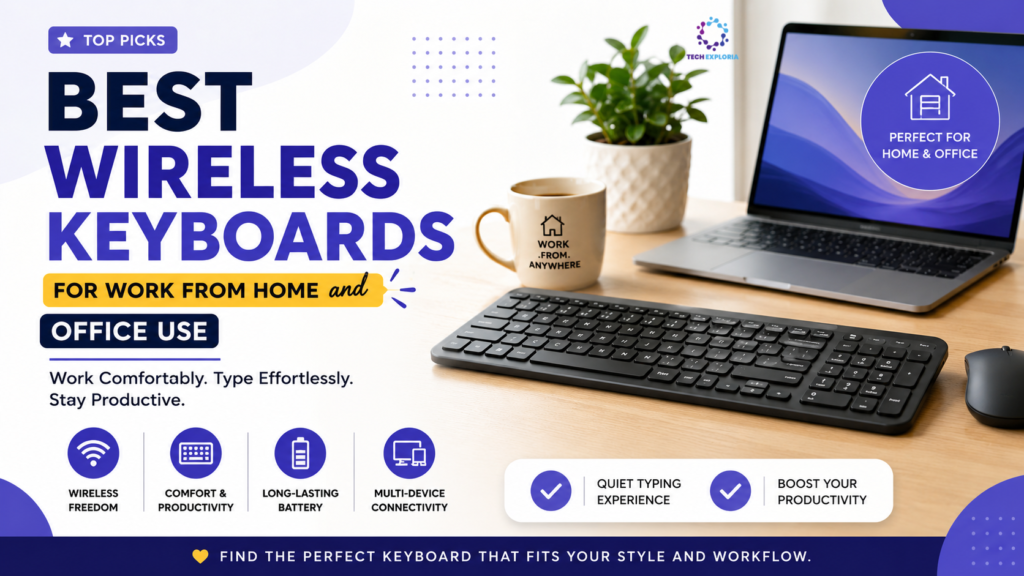
You spend more hours touching your keyboard than you do touching your phone so why does it always feel like an afterthought?
Still typing on a keyboard tethered to your desk like it’s 2009? It might be time for an upgrade and we’ve rounded up the best options to help you shop smart, right here on our store.
Let’s be honest nobody thinks about their keyboard until it starts annoying them. It could be the cable that keeps bothering you, it could be the clicking sound that gets on your roommate’s nerves while you participate in Zoom calls, or even the pain in your wrists because you spend the entire day typing away.
No matter where you are working from whether it’s your kitchen table, your office at home, or even a cube at an office, having the right wireless keyboard can help improve your life quietly. Here’s a down-to-earth guide to choosing a wireless keyboard that truly meets your needs.
What’s the point of wireless anyway?
Besides the clear benefit of “no more wires” there’s the matter of convenience – you can move your body into a different position (such as leaning back in your chair), work from the couch every now and then, and keep your desktop tidy and minimalist. Plus, most wireless keyboards can connect to several computers at once.
What Actually Matters When Choosing One
1.Connection type The vast majority of wireless keyboards connect through Bluetooth or a USB receiver (RF). Bluetooth is handy when you don’t want to fill all available ports, whereas the USB receiver provides a more reliable connection without lags, which could be important if you type fast or even play some games. It is not uncommon for some models to have both types of connection, which is the best option.
2. Battery life One never wants to interrupt an important discussion due to running out of the battery. The device should at least last a couple of weeks on one charge and have a clear alert system in case the power runs low.
3. Keyboard feel It may be subjective but it will definitely influence typing to a great extent. In case you use computer for work, try to get tactile keyboards that have a bit of spring to them because otherwise it may wear down your hands.
4. Keyboard size & layout Full-sized keyboard with an extra panel for numbers is the best choice for working with spreadsheets. Smaller keyboard or tenkeyless will give more space on your desk for mouse, which is more comfortable for shoulders.
A Few Solid Picks to Consider
- Logitech MX Keys: A favorite among remote workers for good reason. The keys feel great, the backlighting is smart (it lights up as your hands approach), and it pairs with up to three devices effortlessly.
- Apple Magic Keyboard: If you’re in the Apple ecosystem, this is about as seamless as it gets. Clean design, solid battery life, and it just works.
- Logitech K380: Portable, inexpensive, and actually quite enjoyable to type on. Good choice for a secondary desk or an uncluttered space on a budget.
- Keychron K3 Series: For those longing for the click of mechanical switches without sacrificing a thin, wireless keyboard. The best of both worlds in terms of office keyboard and an enjoyable typing experience.
- Microsoft Sculpt Ergonomic Keyboard: If you value comfortable wrists most, then the split and curved design will require an adjustment period but will be worth it in the long run.
Conclusion
It is hard to identify one ideal wireless keyboard because each person has unique preferences in terms of working style, devices used, and tactile keyboard preferences. However, taking some extra time and money (not necessarily a lot) to get yourself a quality wireless keyboard can be one of those simple changes which enhance your work day.
Therefore, next time you start feeling fatigued while typing or find yourself getting annoyed because of that wire which keeps catching around your chair all the time, you should know that there is something you can do about it.